Introducing MacMuse Recorder, a Mac screen recorder with auto zoom
Record product demos with editable automatic zoom, a camera overlay, and local editing. MacMuse Recorder starts at $19.99 once.
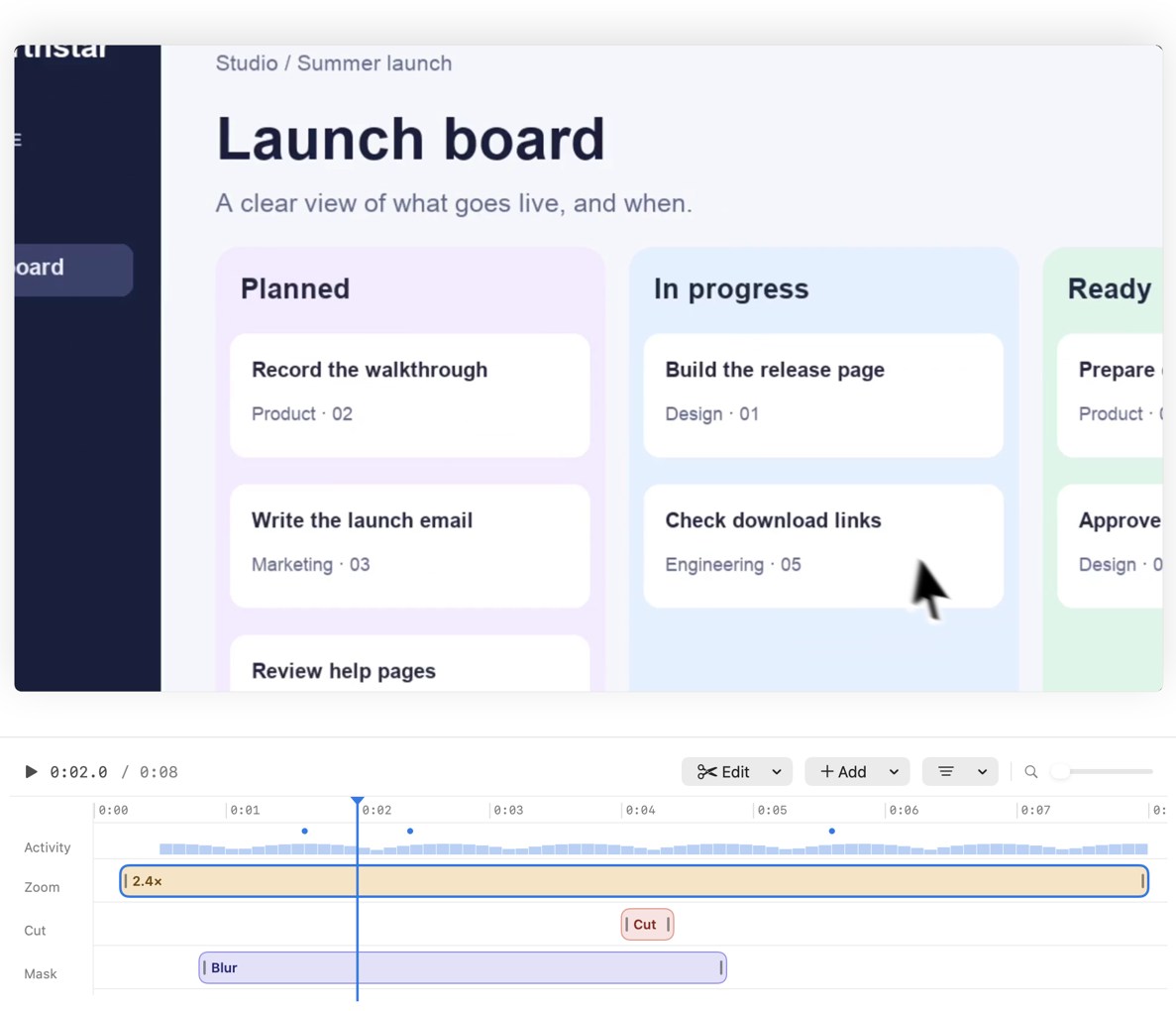
MacMuse Recorder is a native screen recorder and editor for Apple silicon Macs. It can suggest zooms based on clicks, so viewers can see a small control even when you recorded the whole window. You can edit each zoom and export the finished video from the same app.
From a recording to a walkthrough
Choose a window, display, or area. Decide whether the viewer needs to hear your microphone, system audio, or both. Recorder saves the take to your Mac, then opens it in the editor. Select a zoom on the timeline to check its framing, move its timing, or soften its motion. For a short demo, zoom into the important interaction and give the viewer a moment to see the result before cutting away.
The launch film uses a fictional launch board to show the difference. It starts with the complete board, then shows how a Recorder export draws attention to one part of it.
One-time pricing and activation
Recorder costs $19.99 USD for one Mac. Discounts are built into the two-, three-, four- and five-Mac licenses. Every license unlocks the same app. Dodo Payments emails your key after checkout. Install the signed Mac app, open it, and paste your key to activate. An Apple silicon Mac running macOS 15 or later is required.
See the license options or follow the step-by-step guide to recording a product demo.
Get new MacMuse apps first
A short email when a new app ships or an app gets a big update. That’s it.